
CLI Reference#
Use these commands for the most common scicomap workflows.
Quick command map#
Command |
Purpose |
Example |
|---|---|---|
|
List colormap families or family-specific names. |
|
|
Diagnose one colormap and return status/reasons. |
|
|
Render a visual assessment panel. |
|
|
Compare multiple colormaps on one image. |
|
|
Uniformize/symmetrize and preview a colormap. |
|
|
Generate color-vision-deficiency preview. |
|
|
Apply a colormap to an image file. |
|
|
Guided diagnose/improve/apply workflow. |
|
|
One-command report bundle (JSON + images + summary). |
|
|
Environment and path diagnostics. |
|
Profiles#
quick-look: minimal checks and fast feedback.publication: quality-first defaults for final figures.presentation: publication defaults with brighter lift bias.cvd-safe: accessibility-first defaults.agent: deterministic JSON-first behavior.
Output modes#
Use
--json(or--format jsonwhere available) for machine-readable output in automation and LLM workflows.
Learn by example#
Full notebook walkthrough: Scicomap Tutorial
Interactive command-to-figure exploration: Interactive Marimo Tutorial
Equivalent workflow in Python API#
import scicomap as sc

cmap = sc.ScicoSequential(cmap="hawaii")
cmap.assess_cmap(figsize=(14, 6))
cmap.unif_sym_cmap(lift=None, bitonic=False, diffuse=True)
cmap.assess_cmap(figsize=(14, 6))
scicomap check hawaii --type sequential
scicomap fix hawaii --type sequential --out hawaii-fixed.png
What command outputs look like#
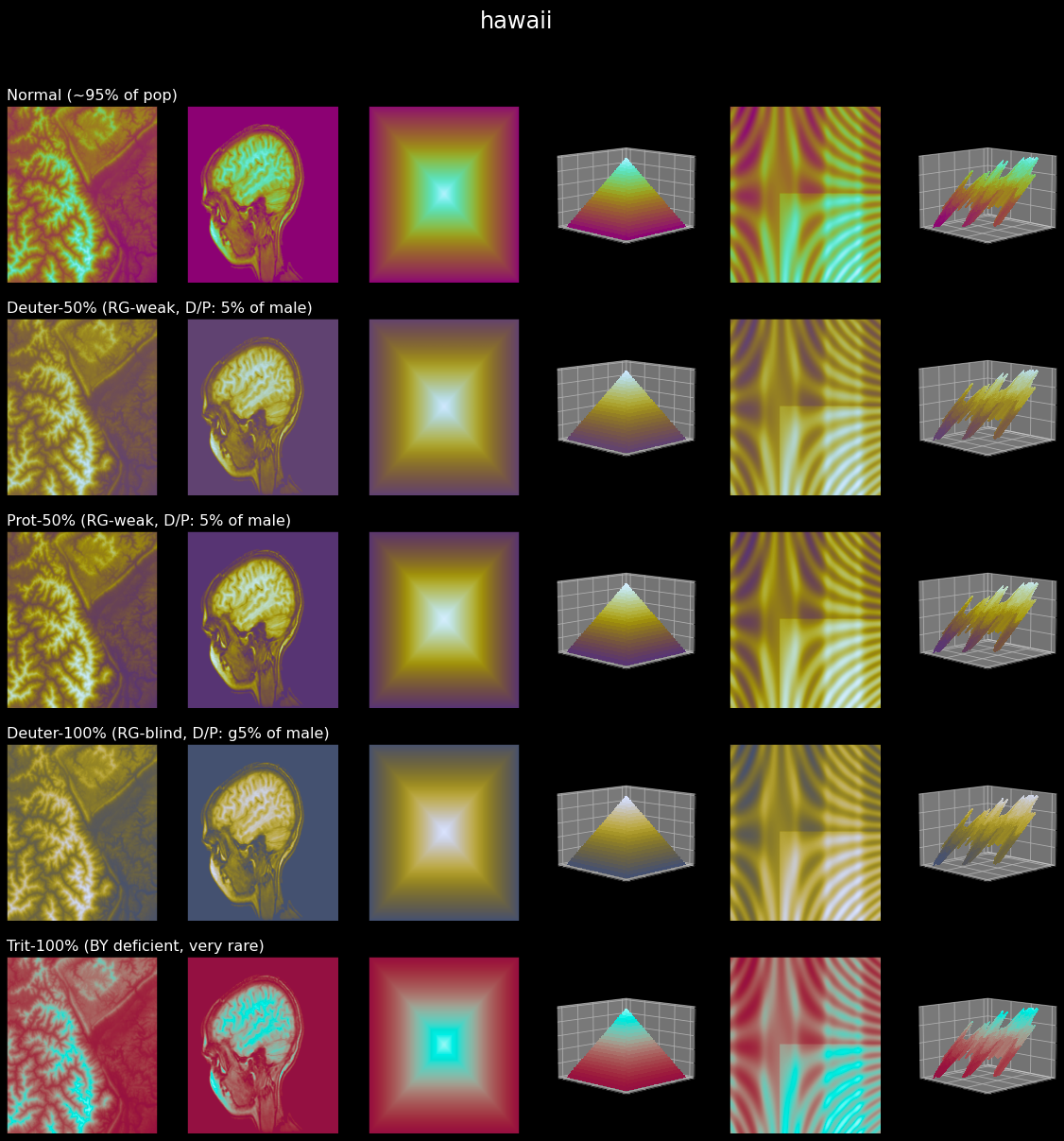
check/preview/compare style workflows produce artifact-oriented
visual diagnostics.#
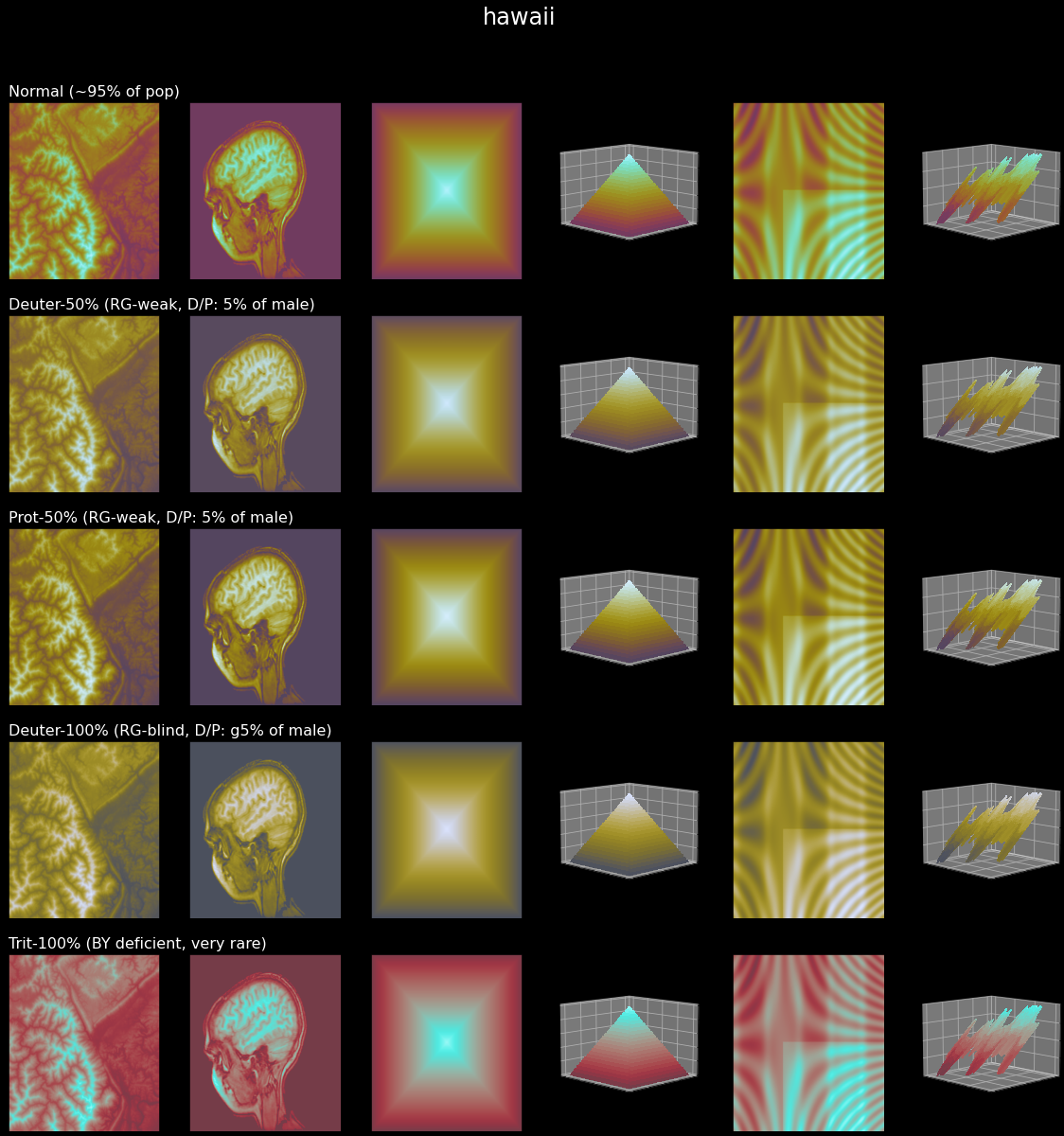
fix and report workflows help produce smoother gradients and clearer
transitions in real plots.#

cvd validates how your map is perceived under common color-vision
deficiency conditions.#